
Guides
How to Organize Notes Online: A Practical System You Can Use Daily
Learn how to organize notes online with a simple folder-tag workflow, copyable templates, and clear rules for students, freelancers, and teams.
Read This For
- How to Organize Notes Online: Quick Answer
The fastest way to organize notes online is to use a three-layer system: one home for capture, one naming rule, and one review routine. Keep every note in one tool, use a predictable title format, and review notes on a fixed schedule so your archive stays usable.
- Why Most Digital Notes Become Hard to Use
Notes become messy when capture is easy but retrieval is not planned. People save ideas quickly, but skip labels, skip summary lines, and never close old loops. After a few weeks, it becomes hard to tell which notes are active, archived, or outdated.
- What Good Note Organization Looks Like
Good note organization means you can answer three questions in under 30 seconds: What is this note about, what is the current status, and what happens next. If any note fails that test, it needs a cleaner structure.
Section 1
How to Organize Notes Online: Quick Answer
The fastest way to organize notes online is to use a three-layer system: one home for capture, one naming rule, and one review routine. Keep every note in one tool, use a predictable title format, and review notes on a fixed schedule so your archive stays usable.
Most note clutter comes from inconsistent structure, not from writing too much. If your note titles, tags, and sections follow the same pattern each time, search becomes reliable and you spend less time re-reading old notes.
Section 2
Why Most Digital Notes Become Hard to Use
Notes become messy when capture is easy but retrieval is not planned. People save ideas quickly, but skip labels, skip summary lines, and never close old loops. After a few weeks, it becomes hard to tell which notes are active, archived, or outdated.
A second problem is tool sprawl. Meeting notes in one app, drafts in another, and quick ideas in browser tabs creates friction. A practical system reduces switching and keeps your notes in one searchable place first, then shares final outputs where needed.
Section 3
What Good Note Organization Looks Like
Good note organization means you can answer three questions in under 30 seconds: What is this note about, what is the current status, and what happens next. If any note fails that test, it needs a cleaner structure.
A strong note has a clear title, short context, key points, and explicit next actions. A weak note is a long paragraph dump without owners, dates, or decisions. Useful notes are written for future retrieval, not just for live capture.
Section 4
Build a Simple Note Architecture: Folder, Tag, Status
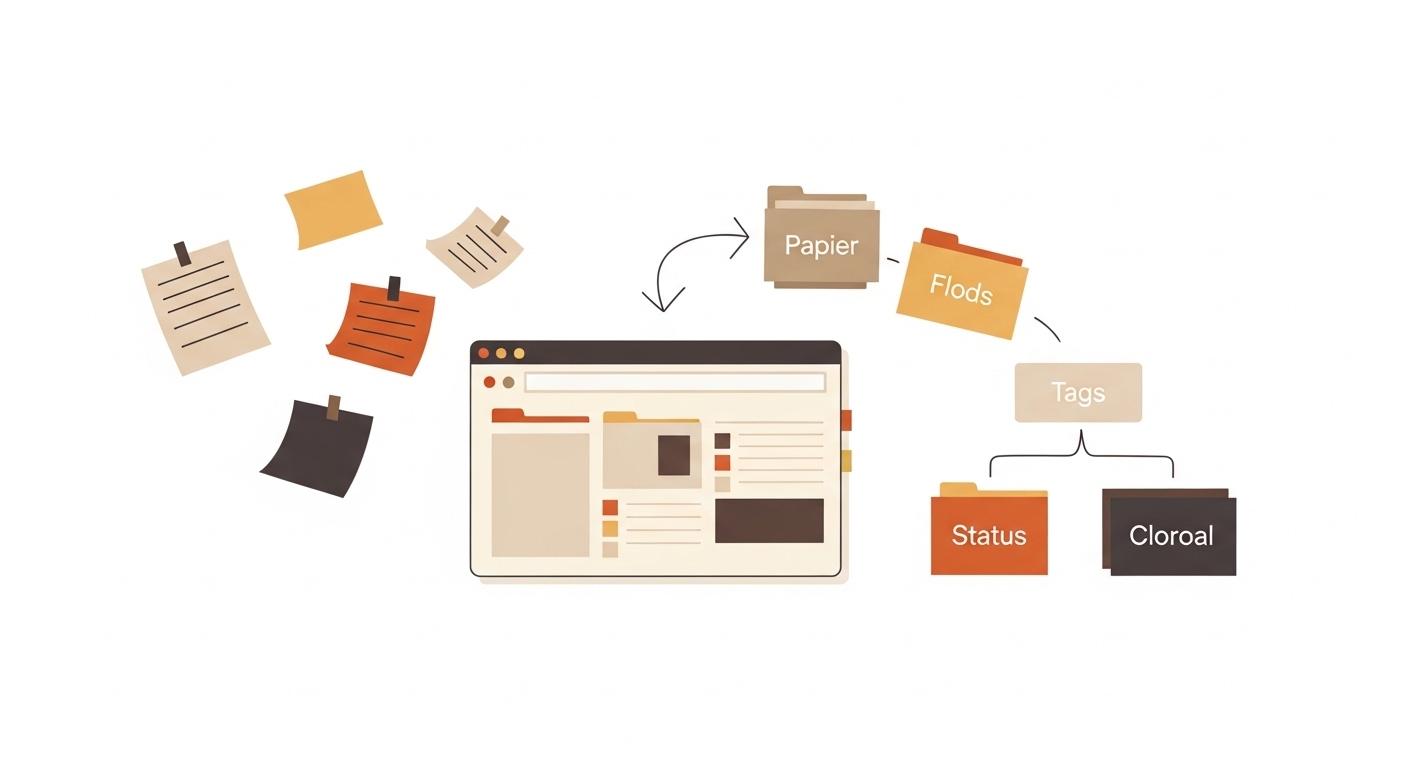
Use folders for broad areas, tags for cross-cutting topics, and status labels for workflow stage. Example folders: Work, Study, Personal, Reference. Example tags: client-a, exam-prep, writing-ideas. Example statuses: active, waiting, done, archived.
Do not create too many categories early. Start with four to six folders and fewer than fifteen tags. You can expand later, but an over-detailed structure breaks quickly and discourages consistent use.
Section 5
Use One Naming Rule for Every Note
A naming rule prevents random titles like "notes final final 2". Use this format: [Area] - [Topic] - [YYYY-MM-DD]. Example: Work - Launch Plan - 2026-03-11. The date keeps sorting predictable, and the area-topic pair keeps search precise.
For recurring notes, keep the middle topic stable and only change the date. This makes your timeline obvious and reduces duplicates. Consistent naming also improves AI retrieval because each chunk carries explicit context.
Section 6
How to Organize Notes Online Step by Step
Step 1: move all active notes into one primary tool. Step 2: rename top-priority notes using one title format. Step 3: apply only essential tags and one status label. Step 4: add a two-line summary at the top of each important note.
Step 5: add a Next Actions section with owner and due date. Step 6: run a weekly 20-minute review to archive stale notes and update active ones. This routine keeps your note system small, current, and easy to trust.
Related Links
Section 7
Copyable Template: Daily Notes
Template: Title; Date; Focus for today; Top three tasks; Notes captured; Decisions made; Blockers; Next actions; End-of-day summary. Keep each field short so you can scan one week of notes quickly.
Use this for busy days with many context switches. It prevents scattered sticky notes and helps you carry unfinished tasks into the next day without losing details.
Section 8
Copyable Template: Study Notes (Cornell-Style Digital Version)
Template: Topic; Date; Main notes; Cue questions; Summary; Self-test prompts; Follow-up tasks. Keep main notes concise, then add cue questions that force recall without reading the full page.
This structure is useful for students and certification learners because it combines capture with review. For factual subjects, add one section called Common mistakes to avoid and update it each week.
Section 9
Copyable Template: Project and Meeting Notes
Template: Project name; Meeting goal; Key updates; Decisions; Action items (task, owner, due date); Risks; Open questions; Next check-in. The critical rule is one owner and one date per task.
This template works for freelancers and team leads who need accountability. Good project notes reduce repeated discussion because decisions and owners are explicit.
Related Links
Section 11
Common Mistakes in Digital Note Organization
Mistake one: capturing notes everywhere. Fix: choose one default capture tool. Mistake two: no title standard. Fix: enforce one naming format. Mistake three: no review cycle. Fix: schedule a weekly review block and treat it as non-optional.
Mistake four: over-tagging. Fix: keep a short tag list and retire unused tags monthly. Mistake five: writing long notes without action fields. Fix: add Decisions and Next Actions headings before you start writing.
Section 12
Role-Based Advice: Student, Freelancer, Team Lead
Students should organize notes by course and week, then use cue questions for exam recall. Freelancers should organize by client and active deliverable, then track commitments with due dates. Team leads should separate private draft notes from shared execution notes to avoid confusion.
Each role needs the same foundation: clear structure, short summaries, and review habits. The difference is mostly in tags and templates, not in tools.
Section 13
When This System Works and When It Does Not
This approach works for text-heavy workflows: classes, project planning, meeting follow-ups, and content drafting. It is also useful when you need quick browser access without setup friction.
It is not enough for strict compliance records, complex document approvals, or heavily formatted publishing pipelines. In those cases, use specialized systems and keep your online notes as working drafts only.
Section 14
Conclusion: Organize Notes Online With Fewer Rules, Better Consistency
If you want to organize notes online effectively, focus on consistency over features: one tool, one naming rule, one weekly review. That simple structure makes your notes easier to find, trust, and use in real work.
If you want to start this method now, ProNotepad gives you a clean writing space with instant saving so you can apply these templates right away without setup overhead.
Questions Readers Usually Have
FAQ: How to Organize Notes Online
What is the best way to organize notes online for beginners?
Start with one tool, one title format, and one weekly review. Add folders and tags only after the basic routine is stable.
Should I use tags or folders?
Use folders for broad categories and tags for cross-topic filters. Most people need both, but fewer tags than they expect.
How often should I clean up notes?
Weekly cleanup is enough for most users. Archive stale notes and update action items during the same review session.
Can I organize school and work notes in one place?
Yes, if you separate areas clearly with folders and naming rules. Keep personal-sensitive notes in protected spaces when needed.
How long should a note be?
As short as possible while still capturing context, decisions, and next actions. Long notes are fine when sections are clearly labeled.
Next Reads
Continue with related note-taking and workflow guides.
Useful Tools
Jump from the article into focused ProNotepad workflows.
Try ProNotepad
Put the article into practice in a clean writing space without changing your workflow.
Open Online Editor