
Guides
Stop Copying the Slides: How to Actually Take Better Lecture Notes Online
Struggling with lecture notes online? Use this practical 3-step system to turn messy class notes into review-ready study material.
Read This For
- Lecture Notes Online: Quick Answer
If your lecture notes online are long, messy, and hard to review, the fix is not typing faster. The fix is using a simple system: capture key ideas in your own words during class, compress them into a short summary within 24 hours, and connect them across the week before exams pile up.
- The Transcription Trap Is Why So Many Notes Fail
A lot of students confuse fast typing with effective studying. It feels productive to record every sentence from the lecture, but that usually turns you into a transcript machine instead of an active learner. Your hands are busy, but your brain is barely choosing what matters.
- Pick a Student Notepad You Will Actually Open
Students lose a surprising amount of momentum chasing the perfect note-taking app. In practice, your student notepad only needs to be fast, searchable, synced across devices, and simple enough that opening it feels automatic.
Section 1
Lecture Notes Online: Quick Answer
If your lecture notes online are long, messy, and hard to review, the fix is not typing faster. The fix is using a simple system: capture key ideas in your own words during class, compress them into a short summary within 24 hours, and connect them across the week before exams pile up.
This works because useful notes are built for retrieval, not for real-time transcription. When your notes help you remember, compare, and self-test later, they stop being digital clutter and start becoming study material.
Section 2
The Transcription Trap Is Why So Many Notes Fail
A lot of students confuse fast typing with effective studying. It feels productive to record every sentence from the lecture, but that usually turns you into a transcript machine instead of an active learner. Your hands are busy, but your brain is barely choosing what matters.
That is the core problem with weak online notes. They capture everything and highlight nothing. If your page looks like a wall of text copied from the professor, you may have documented the lecture without actually learning it.
Related Links
Section 3
Pick a Student Notepad You Will Actually Open
Students lose a surprising amount of momentum chasing the perfect note-taking app. In practice, your student notepad only needs to be fast, searchable, synced across devices, and simple enough that opening it feels automatic.
That means a boring tool can outperform a powerful one if it creates less friction. If the app loads quickly, lets you search week-four notes at midnight, and does not tempt you into spending half your study block formatting headers, it is doing its job.
Related Links
Section 4
The 3-Step System: Capture, Compress, Connect
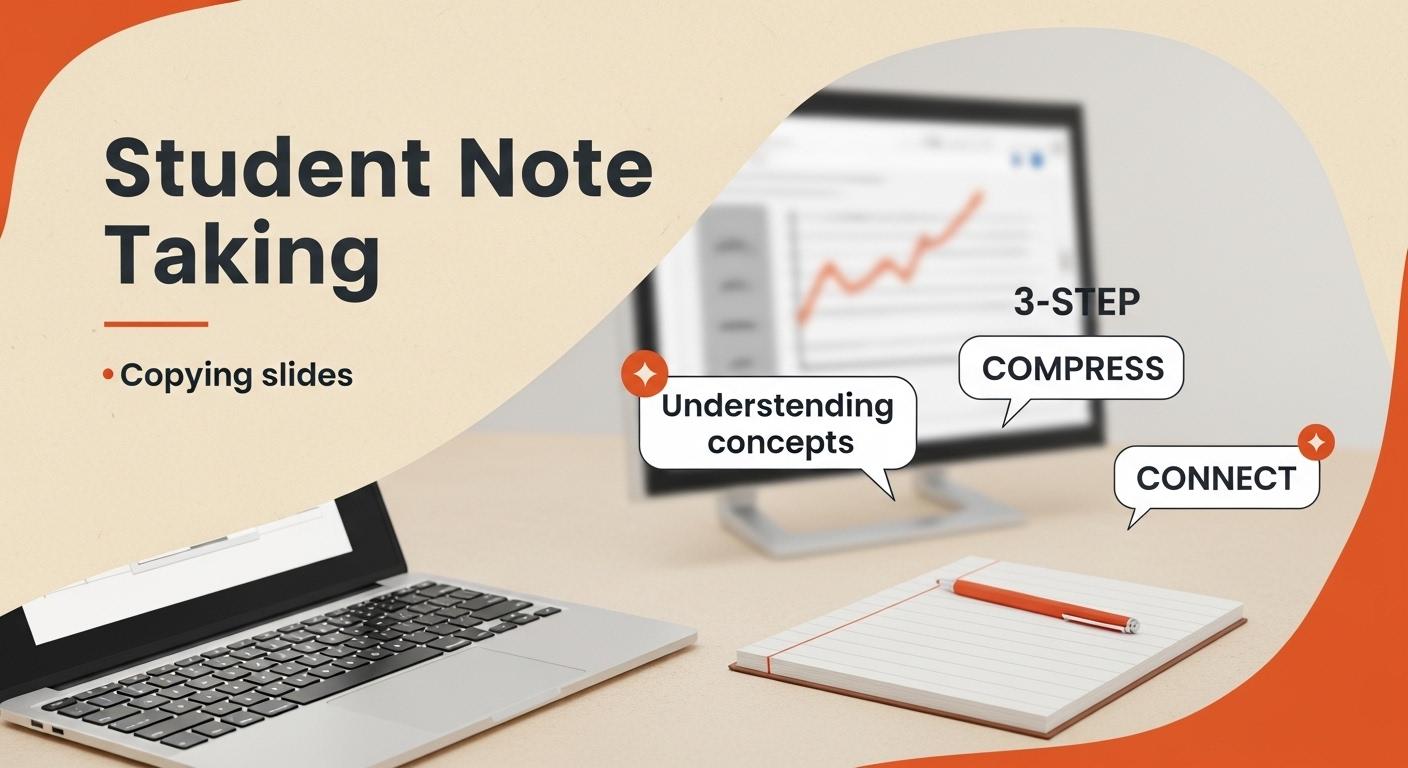
The system is simple. Capture during the lecture, compress within 24 hours, and connect ideas at the end of the week. Each step fixes a different problem: capture prevents mindless copying, compress prevents forgetting, and connect prevents subjects from living in isolated folders with no bigger meaning.
You do not need a complicated template to run this. One clean note per lecture is enough as long as you consistently separate live capture from later review.
Section 5
Step 1: Capture During Class Without Copying Everything
Start each lecture note with the date, topic, and class name. Then slow yourself down on purpose. When the professor introduces a new concept, listen to the full idea first and write it in your own words instead of typing every sentence as it happens.
Keep each point short. Two sentences is often enough. If the professor gives a useful example, add it in parentheses. If they clearly signal that something matters for an exam, mark it with a star or bold label. If you miss a detail, add a timestamp or a short placeholder so you can come back later instead of panicking and falling behind.
Section 6
Step 2: Use the 24-Hour Compression Rule
The most valuable review step happens after class, not during it. Reopen the note within 24 hours and write three to five bullets at the top that summarize the lecture in plain language. Treat it like a rescue exercise: if you could only keep a handful of ideas from the session, what would they be?
This short rewrite forces you to reprocess the material while it is still fresh. It also turns a long lecture note into something you can scan in under a minute, which makes later review dramatically easier.
Related Links
Section 7
Step 3: Connect Notes Across the Week
Once a week, review your compressed lecture notes and look for overlap. Ask which ideas repeat, which terms connect across classes, and which formulas or frameworks showed up in more than one place. Then write those links into a short weekly synthesis note.
This is where separate class sessions start turning into understanding. By exam season, you are not building a study guide from scratch. You are reviewing a set of connections you have already been making all semester.
Section 8
A Practical Template for Better Lecture Notes Online
Use this structure: Class; Topic; Date; Key concepts; Examples from lecture; Questions or unclear points; Three-to-five bullet summary; Weekly links to related ideas. That is enough structure to stay organized without slowing you down during live teaching.
If you want more review power, add cue questions after class using a Cornell-style layout. For example, turn a heading like Cell transport into a question like When does active transport require energy. Questions are easier to self-test than generic labels.
Section 9
Online Note-Taking Has Distraction Problems You Should Treat Seriously
There is one issue that paper notes do not have in the same way: the device you use for learning is also the device that carries messages, social apps, open tabs, and low-friction distractions. If your lecture notes live next to ten other dopamine loops, attention becomes part of the workflow problem.
The fix is not heroic willpower. It is environment design. Close irrelevant tabs before class starts, block specific sites during lecture hours, and keep one note open full screen when possible. Removing temptation is more reliable than trying to beat it repeatedly in real time.
Section 10
Sometimes the Best Move Is Not Taking Notes at All
Not every lecture benefits from constant typing. If a professor is walking through a difficult proof, showing a live simulation, or building one large idea through discussion, stopping to write every few seconds can break understanding instead of supporting it.
In those moments, stay present first and summarize second. Watch the explanation, let the idea land, and write the summary right after the segment ends. Some concepts stick better when you give them uninterrupted attention before trying to package them into text.
Section 11
What to Try in Your Next Lecture
Do not try to overhaul your entire study system in one day. Pick one change for the next class: wait 30 seconds before typing a new concept, write a same-day summary, or create one weekly synthesis note on Sunday. Small adjustments are easier to repeat, and repetition is what makes a note-taking system useful.
The goal is not elegant notes. The goal is notes that make the next review session easier than the last one. If your future self can open the file and immediately know what mattered, the system is working.
Questions Readers Usually Have
FAQ: Better Lecture Notes Online
Should I type or handwrite lecture notes?
Use the format you will review consistently. Typing is usually better for search and speed, while handwriting can reduce distraction for some students.
How long should post-lecture review take?
Around 10 to 15 minutes is enough for most classes if you only compress the material into core points and add one or two clarifications.
What if I miss part of the lecture while trying not to transcribe everything?
Leave a short placeholder or timestamp and keep going. Catching up later is better than derailing the rest of the note.
Do I need a special app for this system?
No. A fast, searchable notepad is enough if you use the capture, compress, and connect routine consistently.
Can this system work for recorded lectures too?
Yes. In recorded classes, timestamps are even more useful because they make later review faster and less stressful.
Next Reads
Continue with related note-taking and workflow guides.
Useful Tools
Jump from the article into focused ProNotepad workflows.
Try ProNotepad
Put the article into practice in a clean writing space without changing your workflow.
Open Online Editor